
ShellLife — Clipboard History & Drop Shelf
The ultra-fast, privacy-first clipboard manager and temporary floating shelf for macOS. Capture, organize, and paste snippets, links, files, and images effortlessly without breaking your focus.
Why Developers & Creators Love ShellLife
Most clipboard managers are sluggish, clunky, or send telemetry to unknown servers. ShellLife was crafted from scratch in Swift to be instantaneous, lightweight, and strictly local.
Smart Clipboard History
Instantly tracks every copy event with sub-millisecond keyboard search. Quickly recall and paste previous items without interrupting your creative or coding flow.
Visual Drop Shelf
Drag photos, code snippets, files, and text onto a floating holding shelf. Keep items handy while switching between full-screen apps, IDEs, and browser windows.
Instant Categorization & Search
Smart filter chips let you isolate code, URLs, images, or files in seconds. Group by timestamp or search inside multi-line text with instant full-text filtering.
Pin Favorites & Quick Access
Keep your most important shell scripts, boilerplate templates, and frequent links permanently pinned so they never get trimmed from your history.
100% Offline & Privacy-First
Your data never leaves your device. ShellLife has zero telemetry, no cloud accounts, and automatically ignores password managers and transient secret pasteboards.
Native SwiftUI & macOS Sonoma
Designed natively for modern macOS with global hotkey activation, menu bar extra support, light and dark themes, and frictionless launch-at-login.
Crisp, Minimalist macOS Interface
Designed to feel right at home on macOS Sonoma and macOS Sequoia with translucent glass vibrancy, instant responsiveness, and zero clutter.
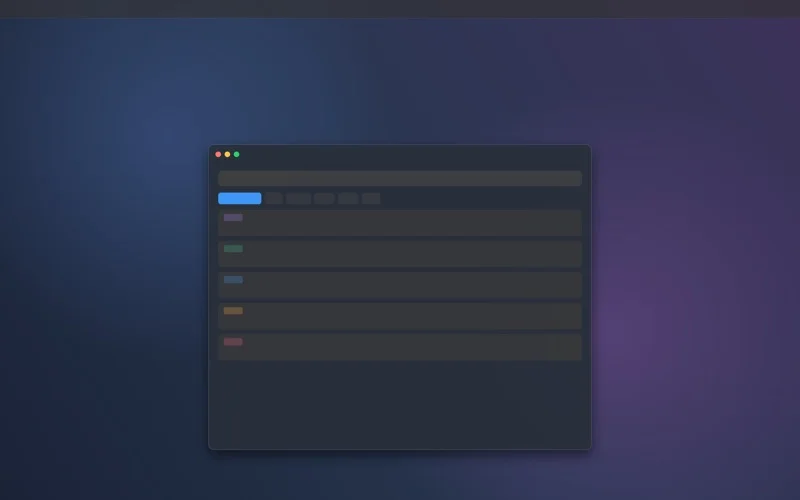
Smart History & Fast Search
Instant fuzzy searching across your copied snippets, text clips, and code.
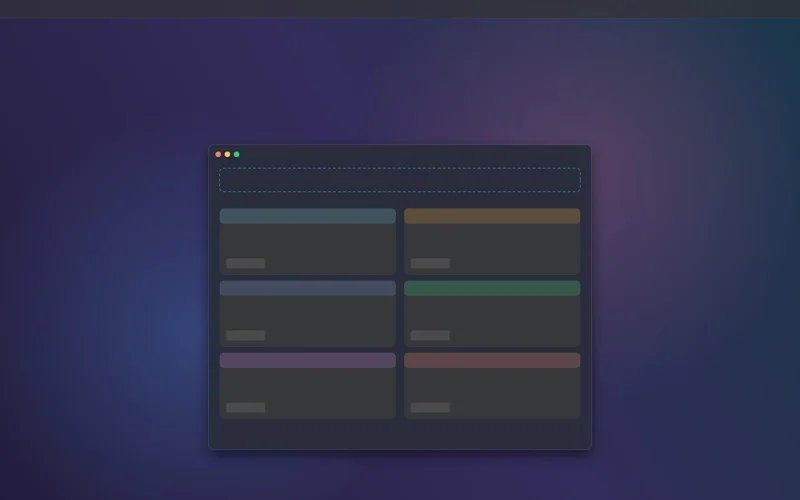
Drag & Drop Visual Shelf
Floating shelf to hold photos, files, and links while you work across windows.
Technical Specifications
| Application Name | ShellLife |
|---|---|
| Target Platform | macOS Desktop (Apple Silicon M1/M2/M3/M4 & Intel x86_64) |
| Minimum OS | macOS 14.0 (Sonoma) or later |
| Technology Stack | Native Swift, SwiftUI, AppKit, macOS App Sandbox |
| Category | Developer Tools · Utilities |
| Price & Licensing | Free on the Mac App Store |
| Data Privacy | 100% Offline, Zero Cloud Telemetry, Sensitive Pasteboard Masking |
| Developer & Publisher | Vijay Dogra / Dogra Technologies Pvt. Ltd. |
Frequently Asked Questions
What makes ShellLife different from other clipboard managers?
Is my clipboard data kept private and secure?
Does ShellLife support Apple Silicon Macs?
Can I pin frequently used code snippets?
Explore Our Other Flagship Products



Supercharge Your macOS Clipboard Workflow
Available now as a free download on the Apple Mac App Store. Built with pride by Dogra Technologies.